ACCA Result 2026 Pakistan
The students of ACCA of Pakistan from Lahore, Karachi, Islamabad, Faisalabad, Multan, Peshawar, Quetta and other cities can check the results of their examinations with their registered myACCA login. The online result service offers individual examination marks, results ‘Passed’/‘Not Passed’ and examination progress information.
ACCA Result 2026 Pakistan – Important Dates
| Details | ACCA Result 2026 Information |
|---|---|
| Organization | Association of Chartered Certified Accountants |
| Examination | ACCA Professional Qualification |
| Country | Pakistan |
| March 2026 Result | 13 April 2026 |
| June 2026 Result | 13 July 2026 |
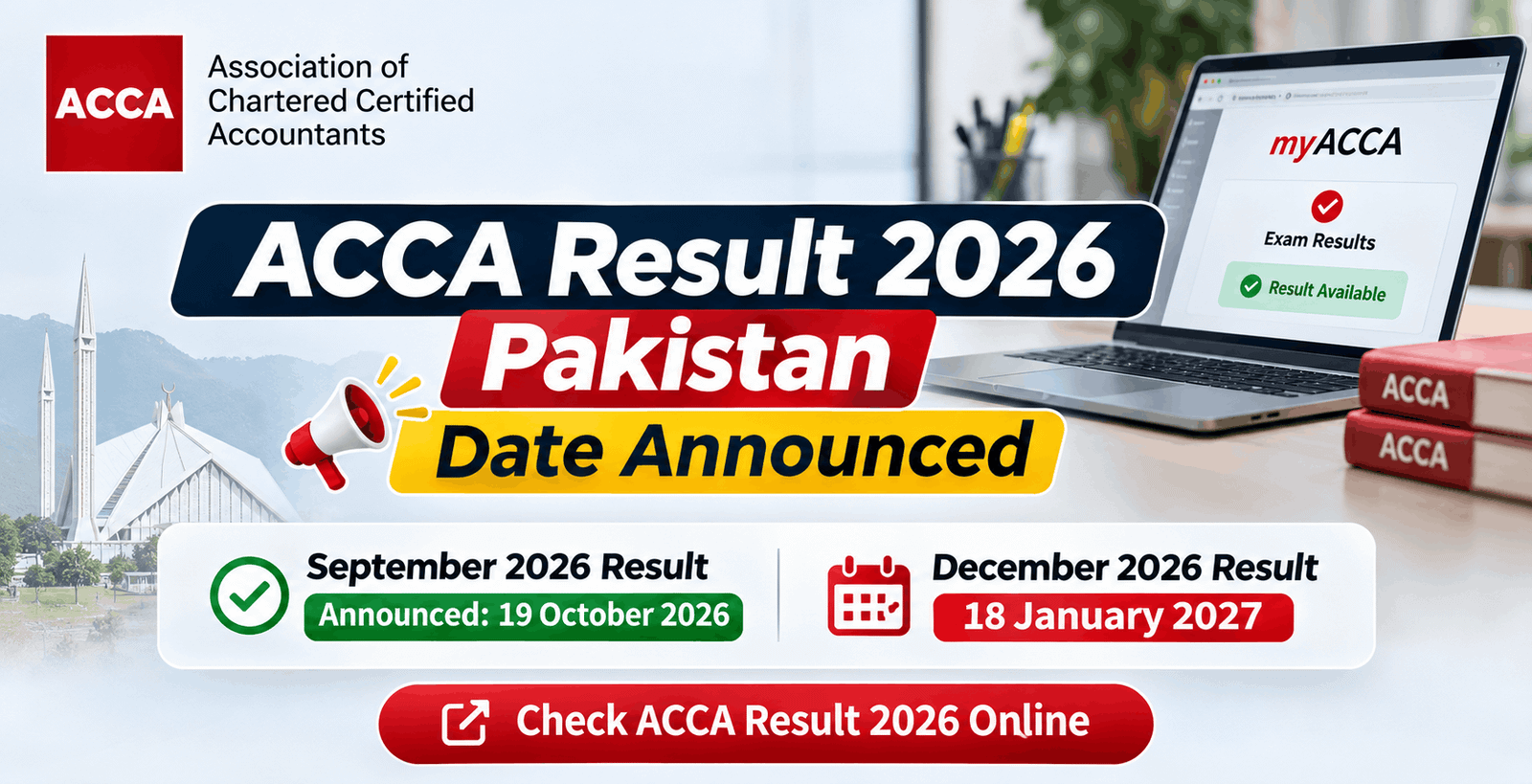
| September 2026 Result | 19 October 2026 – Announced |
| December 2026 Exams | 7–11 December 2026 |
| December 2026 Result Date | 18 January 2027 |
| Result Status | September Results Available |
| Passing Marks | 50% for each examination |
| Result Checking Method | Online through myACCA |
| Official Website | www.accaglobal.com |
ACCA September Result 2026 Pakistan Announced
The official results for the ACCA September 2026 were officially released on Monday, 19 October 2026. The September session students are now able to access their results on the myACCA portal. The official announcement by ACCA states that a total of 102,263 students sat the ACCA September 2026 exam session globally, with 114,239 exams sitting. Plus, 4,042 students finished their studies and started to qualify for ACCA affiliate status.
ACCA December Result 2026 Pakistan Expected Date
ACCA exams in December 2026, it’s important to note that the official result date has now been announced. The ACCA December 2026 outcome will be released on Monday, 18 January 2027. The exams will take place between 7th December and 11th December 2026. Although the examinations take place in December 2026, their results will be published in January 2027. Hence, it is important to not mix up the exam year with the result publication year for the students looking for ACCA December Result 2026.
ACCA Result 2026 Pakistan by Registration Number
The students are looking for the ACCA Result 2026 by Registration Number. The registration number given in the ACCA is for a particular student, but the result system is not secured without account authentication.It is not generally possible to view students’ private examination results by typing in a student’s registration number in a public search box. Candidates will need to log in to myACCA using their account details to check the result. Once signed in, they can see the history of their examination, individual results, and progress towards being qualified.
ACCA September 2026 Subject-Wise Pass Rates
The September 2026 results also give an indication of the overall performance of students on each of the ACCA subjects.
The following pass rates were reported in the official announcement made by ACCA on 1st September 2026:
- Performance Management (PM): 42%
- Taxation (TX): 54%
- Financial Reporting (FR): 49%
- Writing: 20%
- Financial Management (FM): 47%
- The percentage of strategic business leaders (SBL) remained unchanged, at 53%.
- Essential for developing strategic business reports: 50%
- Advanced Financial Management (AFM): 47%
- Advanced Performance Management (APM): 41%
- Advanced Taxation (ATX): 53%
- Advanced Audit and Assurance (AAA): 42%
ACCA Passing Marks 2026 in Pakistan
The passing criteria for the ACCA examinations is typically 50% of the total: 50 marks out of 100. Students with 50% and more pass the exam in a paper. Candidates who do not achieve the required mark will be required to take the paper again at an appropriate future examination session. For instance a pupil with 65 marks passes the subject, whereas a pupil with 45 marks does not meet the pass mark.
How to Check ACCA Result 2026 Online in Pakistan?
You can easily find ACCA results online. All that students require is their registered ACCA account information and an internet connection.
Follow these instructions:
- Go to the official ACCA student website – myacca.accaglobal.com.
- Please enter your registered ACCA ID and password.
- Log in to your myACCA account.
- Go to the Exam Status and Results tab.
- Select View your status report.
- Look at your exam marks and status in your subjects.
- Save or print your examination status report.